Fulqrum Publishing Home   |   Register   |   Today Posts   |   Members   |   UserCP   |   Calendar   |   Search   |   FAQ

Go Back   Official Fulqrum Publishing forum > Fulqrum Publishing > IL-2 Sturmovik: Cliffs of Dover > Technical threads

Technical threads All discussions about technical issues

Reply
 
Thread Tools Display Modes
  #1  
Old 11-03-2012, 06:39 AM
baronWastelan baronWastelan is offline
Approved Member
 
Join Date: Mar 2010
Location: the future home of Starfleet Academy
Posts: 628
Default

Quote:
Originally Posted by hegykc View Post
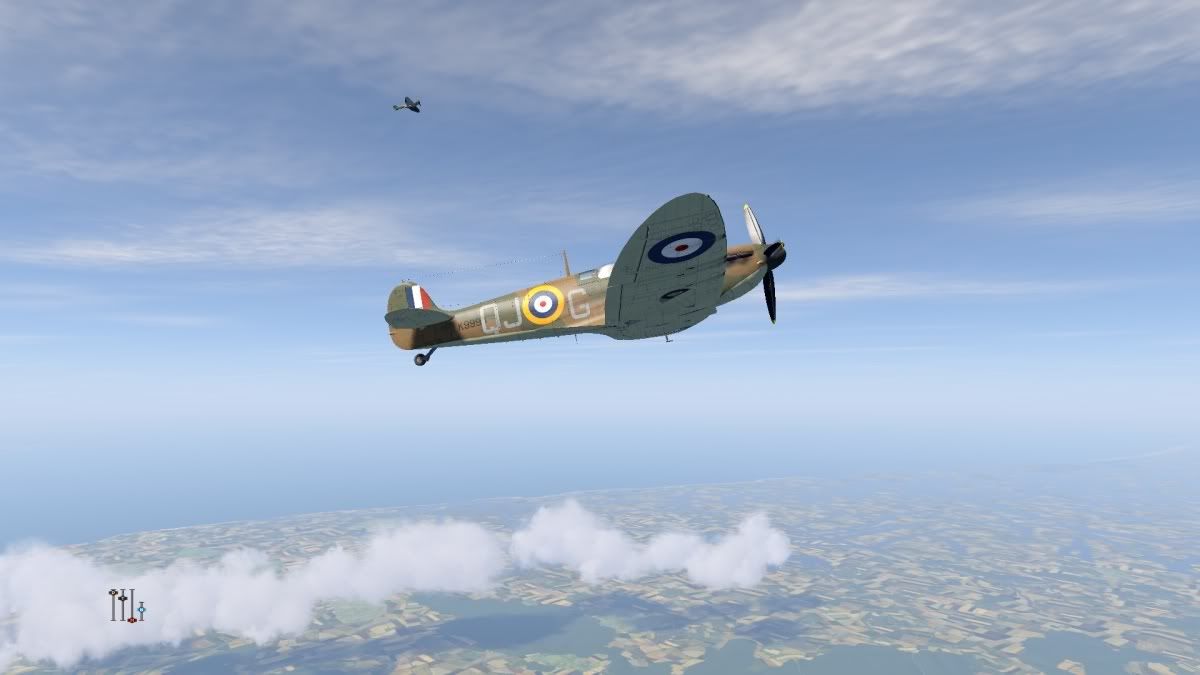
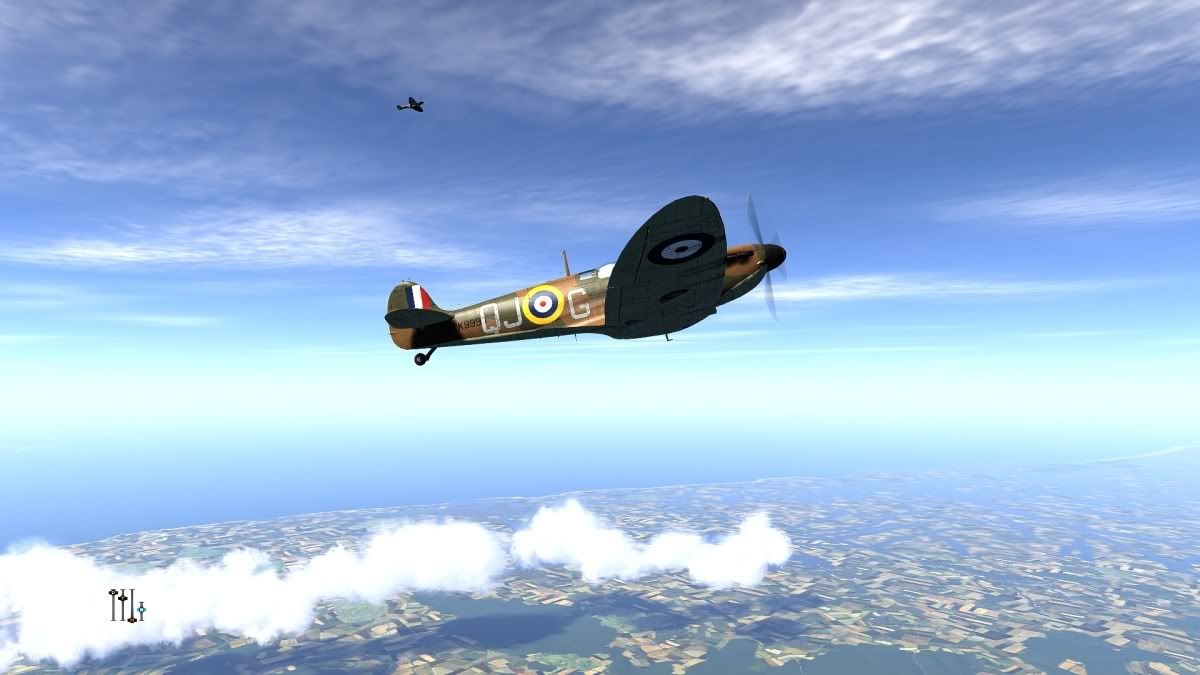
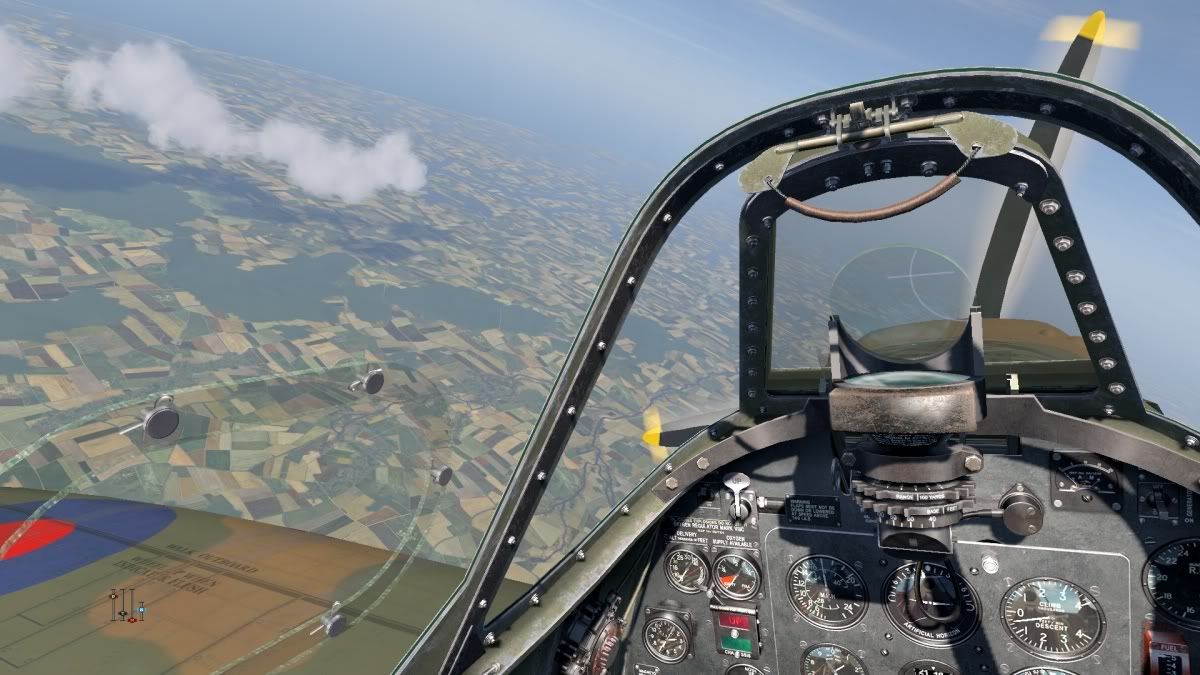
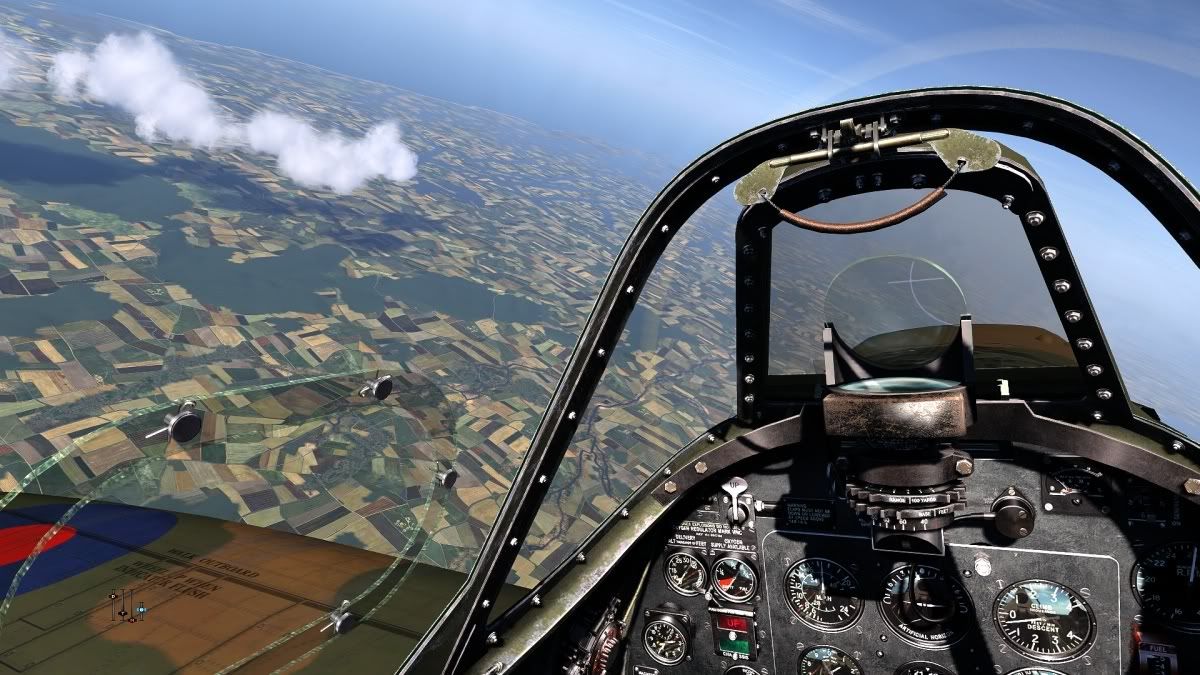
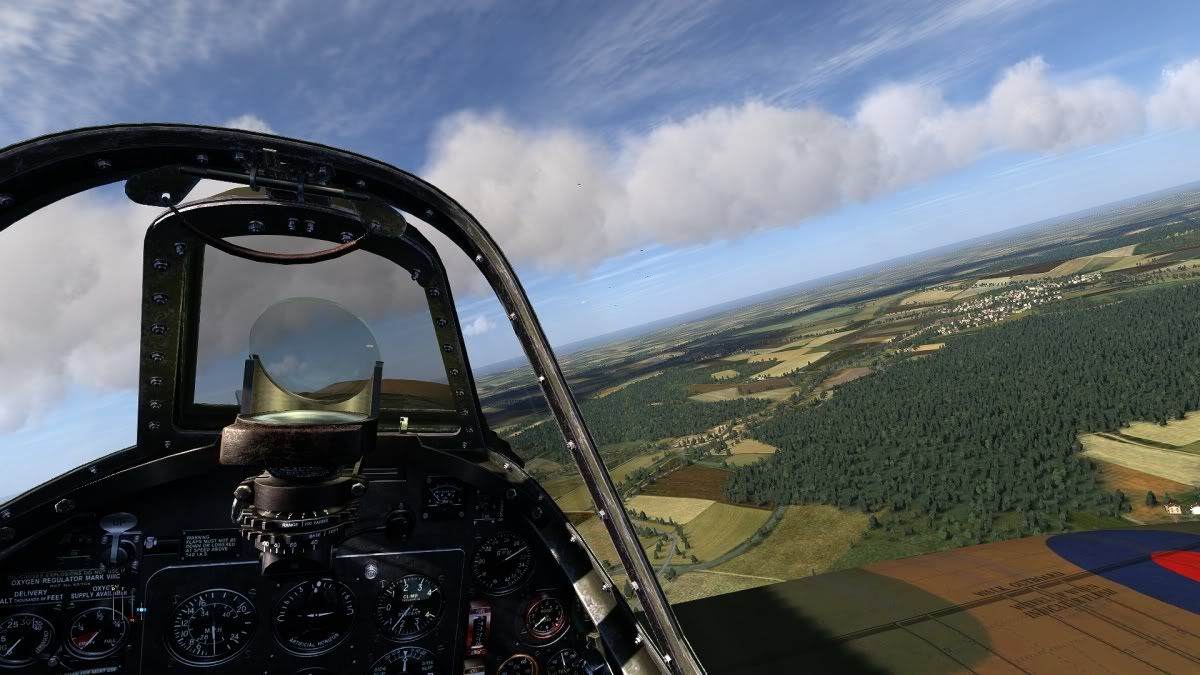
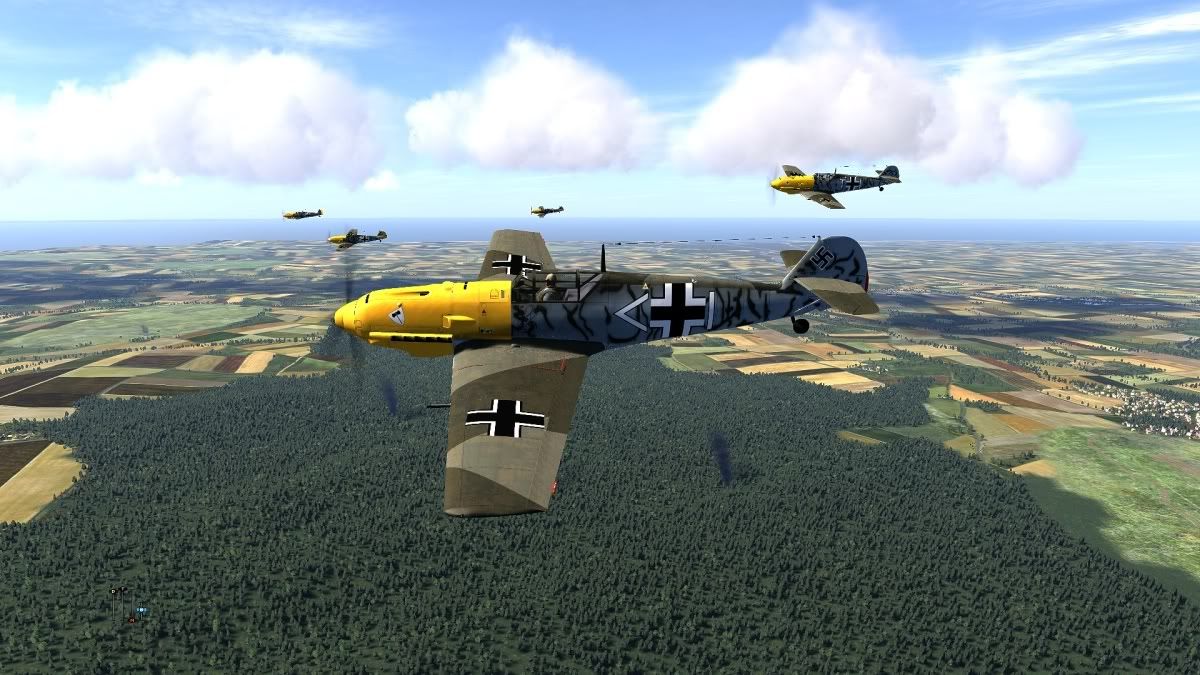
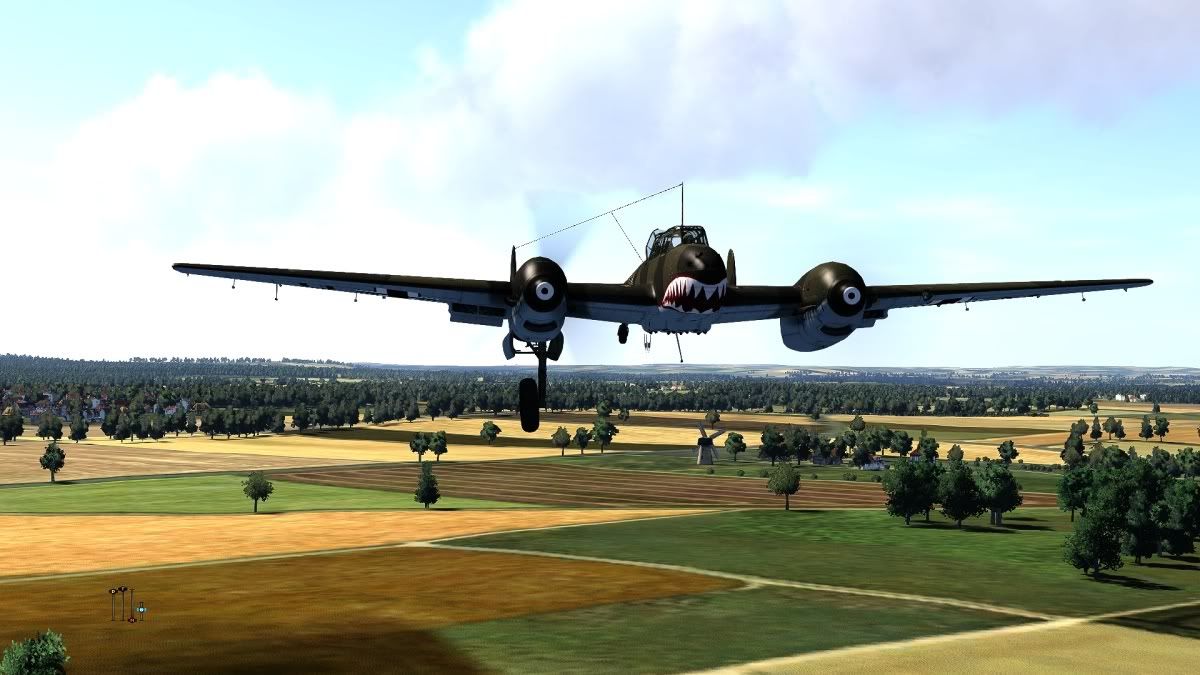
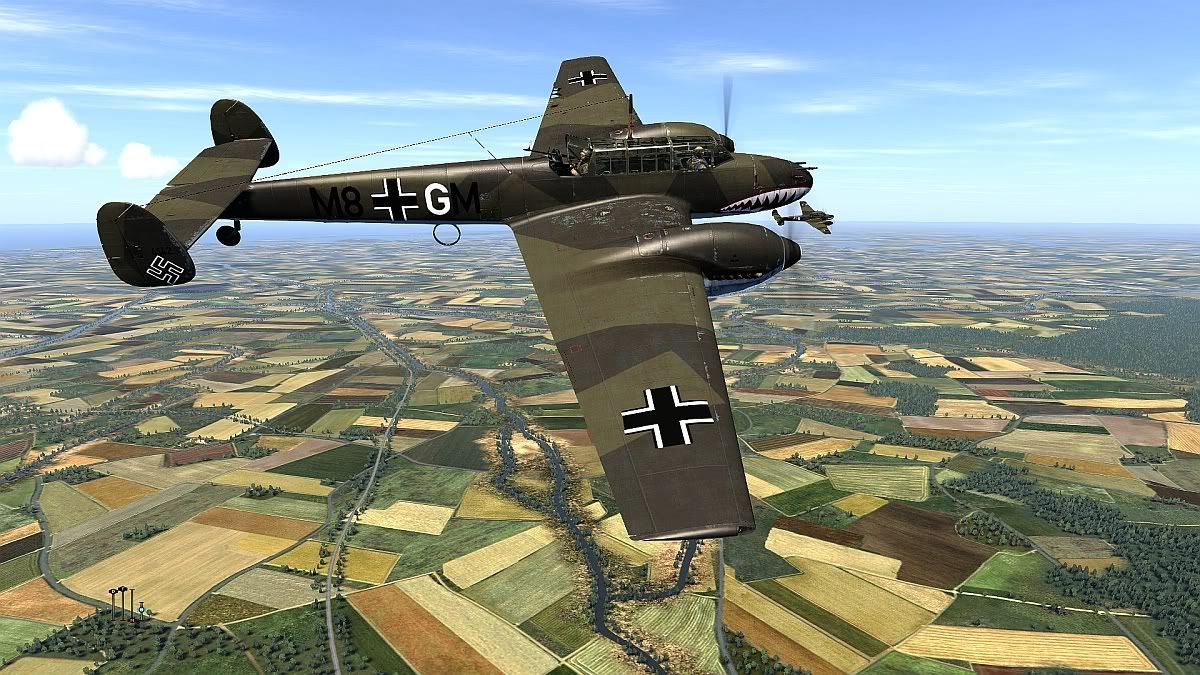
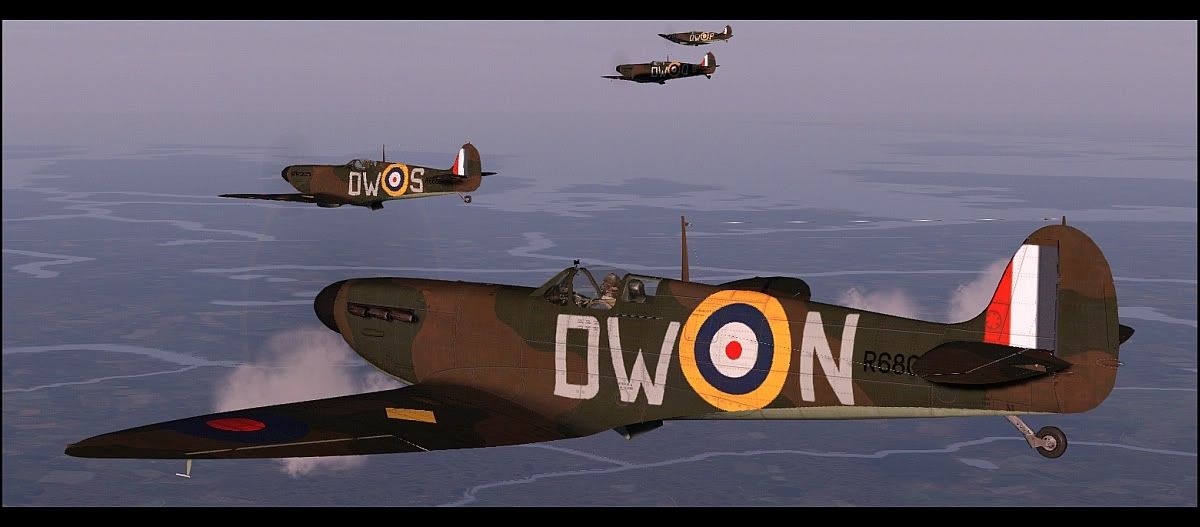
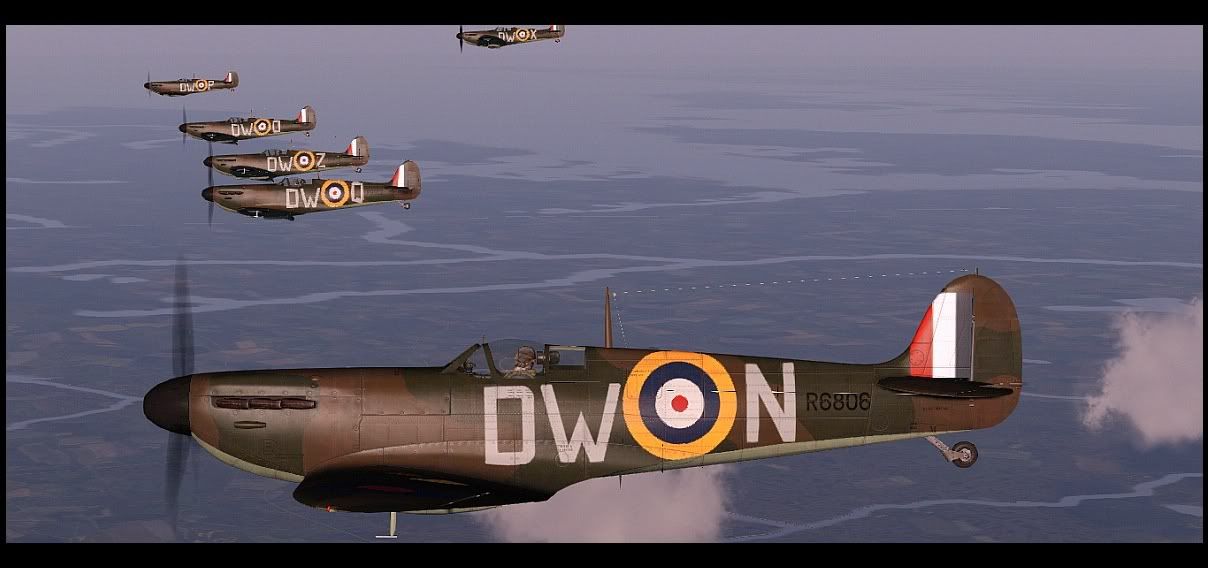
Wow, these are awesome baron!
Vintage film stills! Now we're talkin


Reply With Quote
  #2  
Old 11-03-2012, 08:08 AM
Plt Off JRB Meaker's Avatar
Plt Off JRB Meaker Plt Off JRB Meaker is offline
Approved Member
 
Join Date: Mar 2011
Location: Windsor,UK
Posts: 864
Default

I like Les'sown settings,just seems more realistic,so I have'nt changed a thing,just dropped his settings file into my system,without altering it.

__________________
http://i1098.photobucket.com/albums/g374/fastted/82%20Squadron%20Banner.jpg

Alienware Aurora|Win 7 64-bit Home Premium|IC i7-920 Processor (Quad-Core)|14GB DDR3 RAM|1 TB SATA 7200rpm Hard Drive|GIGABYTE GeForce GTX 770 2GB WINDFORCE 3 X fan|Thrustmaster Warthog|Saitek Pro Combat rudder pedals,throttle quadrant and Cessna trim wheel|TrackIR4|Sense of humour,I find it comes in handy!
Reply With Quote
  #3  
Old 11-03-2012, 12:01 PM
Flanker35M Flanker35M is offline
Approved Member
 
Join Date: Dec 2009
Location: Finland
Posts: 1,806
Default

S!

Meaker, what settings are those? Sure look nice. I also like Baron's even they have a tad bit too much contrast to my taste. The original colors are washed out like..
Reply With Quote
  #4  
Old 11-03-2012, 12:22 PM
xpzorg xpzorg is offline
Approved Member
 
Join Date: Nov 2011
Posts: 75
Default

Quote:
Originally Posted by Plt Off JRB Meaker View Post
I like Les'sown settings,just seems more realistic,so I have'nt changed a thing,just dropped his settings file into my system,without altering it.
Please, give your settings. Baron's settings in my system looks darkly.
Reply With Quote
  #5  
Old 11-03-2012, 01:16 PM
Plt Off JRB Meaker's Avatar
Plt Off JRB Meaker Plt Off JRB Meaker is offline
Approved Member
 
Join Date: Mar 2011
Location: Windsor,UK
Posts: 864
Default

No problem boys,it's this one http://forum.1cpublishing.eu/showpos...69&postcount=5 ,ensure you also use this to http://forum.1cpublishing.eu/showpos...ostcount=1,you need both folders I think,this is what I have done anyway,if in doubt read Les's instructions.

As Les instructs,just drop the two files into your main COD folder where your 'EXE' resides,start up the game and voila.
__________________
http://i1098.photobucket.com/albums/g374/fastted/82%20Squadron%20Banner.jpg

Alienware Aurora|Win 7 64-bit Home Premium|IC i7-920 Processor (Quad-Core)|14GB DDR3 RAM|1 TB SATA 7200rpm Hard Drive|GIGABYTE GeForce GTX 770 2GB WINDFORCE 3 X fan|Thrustmaster Warthog|Saitek Pro Combat rudder pedals,throttle quadrant and Cessna trim wheel|TrackIR4|Sense of humour,I find it comes in handy!

Last edited by Plt Off JRB Meaker; 11-03-2012 at 01:19 PM.
Reply With Quote
  #6  
Old 11-03-2012, 08:47 PM
Les Les is offline
Approved Member
 
Join Date: Feb 2009
Posts: 566
Default

Thanks for the recommendation Meaker.

Flanker and xpzorg, the first file I've attached to this post contains the 'InjecttFxaa_by_Some_dude' utility, using my settings as default. Just open the zip file and put it's contents into your main Cliffs Of Dover directory. I'm not sure which settings Plt Off JRB Meaker is actually using, but if it's not the 'Neutral6' ones that are installed by default, it will be one of the other settings that are also included in their own separate zip files.

The second zip file I've attached is basically the same thing, but using the 'SweetFX_by_CeeJay.dk' utility instead, and with only my 'Neutral6' settings included. Same deal with that, just copy its contents into the folder where you have Cliffs Of Dover installed and it should be working when you start up the game.

Edit - Here's a long and boring video showing the SweetFX 'Neutral6' settings at 7am over a nice ridge formation somewhere between Dover and London. Should have switched the SweetFX utility on and off to show the difference between it and the default colours, but was too busy looking around at the scenery. Flown with keyboard and mouse too, so the flight controls look a bit fluttery. Max graphics settings and recording with FRAPS made it a bit more stuttery than it could have been as well, but you get that.


***Note- If you're using the 'SweetFX' utility, zip up the original 'd3d9.dll' file in your 'Cliffs Of Dover' install to back it up, as the one in the 'SweetFX' utility will need to replace it in order to work.***

Edit 12-11-12 - Updated readme and re-attached 'FXAA PPI Rev 37...' to this post.

Last edited by Les; 11-11-2012 at 09:23 PM.
Reply With Quote
  #7  
Old 11-03-2012, 09:00 PM
jamesdietz's Avatar
jamesdietz jamesdietz is offline
Approved Member
 
Join Date: Oct 2007
Location: Seattle,WashingtonUSA
Posts: 758
Default

Many thanks Les- really appreciate this change!
Reply With Quote
  #8  
Old 11-03-2012, 10:17 PM
klem's Avatar
klem klem is offline
Approved Member
 
Join Date: Nov 2007
Posts: 1,653
Default

Than ks Les,

for me the Sweetfx with your Neutral6 settings seems best.
__________________
klem
56 Squadron RAF "Firebirds"
http://firebirds.2ndtaf.org.uk/


ASUS Sabertooth X58 /i7 950 @ 4GHz / 6Gb DDR3 1600 CAS8 / EVGA GTX570 GPU 1.28Gb superclocked / Crucial 128Gb SSD SATA III 6Gb/s, 355Mb-215Mb Read-Write / 850W PSU
Windows 7 64 bit Home Premium / Samsung 22" 226BW @ 1680 x 1050 / TrackIR4 with TrackIR5 software / Saitek X52 Pro & Rudders
Reply With Quote
  #9  
Old 11-14-2012, 05:15 AM
Crazy-Canuck Crazy-Canuck is offline
Registered Member
 
Join Date: Feb 2012
Posts: 4
Default

Quote:
Originally Posted by Les View Post
Thanks for the recommendation Meaker.

Flanker and xpzorg, the first file I've attached to this post contains the 'InjecttFxaa_by_Some_dude' utility, using my settings as default. Just open the zip file and put it's contents into your main Cliffs Of Dover directory. I'm not sure which settings Plt Off JRB Meaker is actually using, but if it's not the 'Neutral6' ones that are installed by default, it will be one of the other settings that are also included in their own separate zip files.

The second zip file I've attached is basically the same thing, but using the 'SweetFX_by_CeeJay.dk' utility instead, and with only my 'Neutral6' settings included. Same deal with that, just copy its contents into the folder where you have Cliffs Of Dover installed and it should be working when you start up the game.

Edit - Here's a long and boring video showing the SweetFX 'Neutral6' settings at 7am over a nice ridge formation somewhere between Dover and London. Should have switched the SweetFX utility on and off to show the difference between it and the default colours, but was too busy looking around at the scenery. Flown with keyboard and mouse too, so the flight controls look a bit fluttery. Max graphics settings and recording with FRAPS made it a bit more stuttery than it could have been as well, but you get that.


***Note- If you're using the 'SweetFX' utility, zip up the original 'd3d9.dll' file in your 'Cliffs Of Dover' install to back it up, as the one in the 'SweetFX' utility will need to replace it in order to work.***

Edit 12-11-12 - Updated readme and re-attached 'FXAA PPI Rev 37...' to this post.
I have looked in my game directory, (C:/Steam/steamapps/common/il-2 sturmovik cliffs of dover), and I don't have a 'd3d9.dll' file. Any ideas here? I am running Direct X11, 1920x1080 Viewsonic HDMI 1080P Monitor
Reply With Quote
  #10  
Old 11-14-2012, 09:48 AM
klem's Avatar
klem klem is offline
Approved Member
 
Join Date: Nov 2007
Posts: 1,653
Default

Quote:
Originally Posted by Crazy-Canuck View Post
I have looked in my game directory, (C:/Steam/steamapps/common/il-2 sturmovik cliffs of dover), and I don't have a 'd3d9.dll' file. Any ideas here? I am running Direct X11, 1920x1080 Viewsonic HDMI 1080P Monitor
I didn''t have them either and I checked with a squad mate who also didn't before he tried the injFX or Sweetfx files. Bottom line seems to be that if you are running Dx10/Dx11 dont worry about the Sweetfx Dx9 files, just don't use them. Don't copy them over or if you just extracted all to the game folder delete them, that's what I did and it seems to work ok.
__________________
klem
56 Squadron RAF "Firebirds"
http://firebirds.2ndtaf.org.uk/


ASUS Sabertooth X58 /i7 950 @ 4GHz / 6Gb DDR3 1600 CAS8 / EVGA GTX570 GPU 1.28Gb superclocked / Crucial 128Gb SSD SATA III 6Gb/s, 355Mb-215Mb Read-Write / 850W PSU
Windows 7 64 bit Home Premium / Samsung 22" 226BW @ 1680 x 1050 / TrackIR4 with TrackIR5 software / Saitek X52 Pro & Rudders
Reply With Quote
Reply


Posting Rules
You may not post new threads
You may not post replies
You may not post attachments
You may not edit your posts

BB code is On
Smilies are On
[IMG] code is On
HTML code is Off

Forum Jump


All times are GMT. The time now is 10:12 AM.


Powered by vBulletin® Version 3.8.4
Copyright ©2000 - 2025, Jelsoft Enterprises Ltd.
Copyright © 2007 Fulqrum Publishing. All rights reserved.