Fulqrum Publishing Home   |   Register   |   Today Posts   |   Members   |   UserCP   |   Calendar   |   Search   |   FAQ

Go Back   Official Fulqrum Publishing forum > Fulqrum Publishing > IL-2 Sturmovik: Cliffs of Dover > Technical threads

Technical threads All discussions about technical issues

Reply
 
Thread Tools Display Modes
  #1  
Old 11-11-2012, 09:18 PM
Les Les is offline
Approved Member
 
Join Date: Feb 2009
Posts: 566
Default

Quote:
Originally Posted by priller26 View Post
...When I read the readme.txt for the new app it said move all 8 files...countng actual files minus the txt files, I counted 7. I must have downloaded and counted a half dozen times to make sure I didn't miss something, maybe I still am, don't know at this point...
Sorry about that Priller, I'll update the readme to make it more clear. The latest FXAA_PPI_Rev_37 version that uses my settings as default actually has ten files and folders in it now.
Reply With Quote
  #2  
Old 11-12-2012, 12:30 AM
priller26 priller26 is offline
Approved Member
 
Join Date: Jan 2012
Posts: 266
Default

Quote:
Originally Posted by Les View Post
Sorry about that Priller, I'll update the readme to make it more clear. The latest FXAA_PPI_Rev_37 version that uses my settings as default actually has ten files and folders in it now.
Hello Les, no worry, I pretty much figured out it was just a number error. I'll look for your new app. Thanks so much for your time and effort, the restored colors are really a wonderful addition, I just did not like the green/yellow hue of the stock colors.
Reply With Quote
  #3  
Old 11-12-2012, 07:24 AM
baronWastelan baronWastelan is offline
Approved Member
 
Join Date: Mar 2010
Location: the future home of Starfleet Academy
Posts: 628
Default

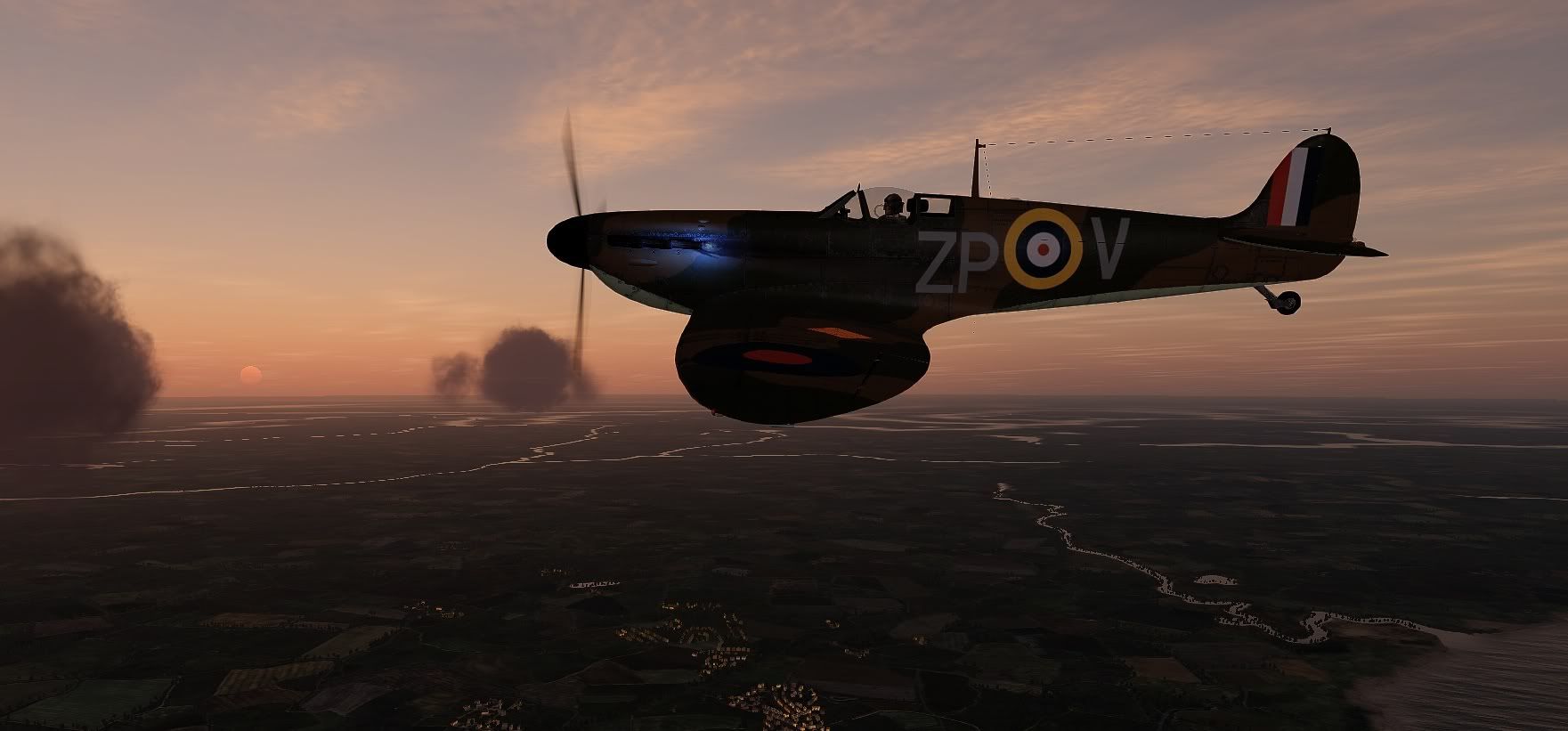
This is a 'special' settings file I use only for morning and evening. Sharpens, brightens and adds just a touch of red.


Attached Files
File Type: txt 1800hr-SweetFX_settings.txt (9.9 KB, 25 views)
Reply With Quote
  #4  
Old 11-12-2012, 07:31 PM
archer11 archer11 is offline
Approved Member
 
Join Date: Oct 2007
Location: Austria
Posts: 39
Default

Thanks guys! I've been following this thread since the beginning, but only found last weekend the time and the mood to play around with this stuff.
Using sweetfx and I have to say, that now I've nearly got the colors and contrast I missed since this sim was published.
__________________
Intel Core i7-2600K 3,4GHz, cooled by SCYTHE Mugen III
ASUS P8Z68-V PRO
Corsair Vengeance 8GB PC3-1280
Gainward GeForce GTX 580 Phantom 3GB GDD
CRUCIAL SSD 128GB M4 + Samsung EcoGreen F4 2000GB SATA II
Creative SB X-Fi Titanium
MS SW FFB2 + CH-Pro Throttle/Pedals
TrackIR 3 + Vector Expansion (drv. 5.1.3) + Charvel's profile
Samsung Syncmaster 240T (1920x1200)
win7 ult 64bit
Reply With Quote
  #5  
Old 11-12-2012, 07:44 PM
ivo ivo is offline
Approved Member
 
Join Date: Feb 2011
Location: Italy
Posts: 98
Default

hi i have installed this file:SweetFX_by_CeeJay.dk SMAA_PRESET_ULTRA using Les Neutral6 Settings.zip

and it is very very good it seems a new game but I have a problem with my poor grafic card ATI hd 5750 1gb DDR5 when I have installed this mod I have more and more stutter.
Is there I file that I can modify for to reduce or erase this stutter?

Bye Ivo
__________________
''Never in the field of human conflict has so much been owed by so many to so few''
Sir.Winston Churchill

My Pc:
Vista 32 bit
Asus P5E3
intel core 2 quad Q 6600 2,40 Ghz.
Ati 5770
memory DDR3 4 GB.
HD 250 GB
Sound Blaster
Reply With Quote
  #6  
Old 11-13-2012, 02:33 PM
klem's Avatar
klem klem is offline
Approved Member
 
Join Date: Nov 2007
Posts: 1,653
Default

Quote:
Originally Posted by ivo View Post
hi i have installed this file:SweetFX_by_CeeJay.dk SMAA_PRESET_ULTRA using Les Neutral6 Settings.zip

and it is very very good it seems a new game but I have a problem with my poor grafic card ATI hd 5750 1gb DDR5 when I have installed this mod I have more and more stutter.
Is there I file that I can modify for to reduce or erase this stutter?

Bye Ivo
In Options.... Video....

Turn off AntiEpilepsy and SSAO unticked.
Set Detail Level to Medium then open Show Advanced and set Forest very low and both building settings to low. Grass and Shadows off. Could set Textures to Medium. Try that for starters. Increase from there.

You don't give your screen resolution but 1900 can be a hard hitter, 1680 is usually ok.
__________________
klem
56 Squadron RAF "Firebirds"
http://firebirds.2ndtaf.org.uk/


ASUS Sabertooth X58 /i7 950 @ 4GHz / 6Gb DDR3 1600 CAS8 / EVGA GTX570 GPU 1.28Gb superclocked / Crucial 128Gb SSD SATA III 6Gb/s, 355Mb-215Mb Read-Write / 850W PSU
Windows 7 64 bit Home Premium / Samsung 22" 226BW @ 1680 x 1050 / TrackIR4 with TrackIR5 software / Saitek X52 Pro & Rudders
Reply With Quote
  #7  
Old 11-13-2012, 06:46 PM
ivo ivo is offline
Approved Member
 
Join Date: Feb 2011
Location: Italy
Posts: 98
Default

Thank Klem I'll try it...
__________________
''Never in the field of human conflict has so much been owed by so many to so few''
Sir.Winston Churchill

My Pc:
Vista 32 bit
Asus P5E3
intel core 2 quad Q 6600 2,40 Ghz.
Ati 5770
memory DDR3 4 GB.
HD 250 GB
Sound Blaster
Reply With Quote
  #8  
Old 11-18-2012, 04:14 AM
GOZR GOZR is offline
Approved Member
 
Join Date: Oct 2007
Location: France - USA
Posts: 386
Default

Interesting ... I see absolutely no difference on my side! hum... ON oFF same thing..
__________________
-GOZR

http://www.gozr.net/iocl/

Last edited by GOZR; 11-18-2012 at 04:21 AM.
Reply With Quote
  #9  
Old 11-18-2012, 03:53 PM
Les Les is offline
Approved Member
 
Join Date: Feb 2009
Posts: 566
Default

No probs clivewil, have fun.

Klem, the colours are the same in both SweetFX settings files, but the SMAA anti-aliasing is set to Ultra (instead of whatever the default was) in the latest package found here - http://forum.1cpublishing.eu/showpos...&postcount=141

I couldn't see any difference between the default and Ultra SMAA settings myself, but thought I'd leave the Ultra settings in anyway. I didn't check if it lowered frames per second either.

There's no actual guide for tweaking the different effects that I know of, everyone seems to have just switched things up and down and on and off and found their own way through. That's not difficult to do, but it would be hard to make a guide for it as there are so many variables and different combinations that could be used to reach the same end. It's probably also dependent on the game you're adjusting. In Cliffs Of Dover for example, if you try to lighten up the cockpit shadows, you also lighten up the landscape shadows and probably the cloud and reflection surfaces too, so you have to make compromises and decide which details you want to lose.

In the SweetFX 'Tonemap settings' all three of these parameters will adjust the brightness in a different way, as will some parameters in the other settings categories -

#define Gamma x.xx //[0.00 to 2.00] Adjust midtones
#define Exposure x.xx //[-1.00 to 1.00] Adjust exposure
#define FogColor float3(x.xx, x.xx, x.xx) //[0.00 to 1.00, 0.00 to 1.00, 0.00 to 1.00]

With my 'Neutral6' settings, my priority was to make the daytime landscape colours look more natural overall by getting rid of the default yellow-green haze (without introducing a noticeable colour tint elsewhere), while making sure I didn't lose any highlight details in the clouds or reflective surfaces.

I played around with all the settings, but for effective colour and brightness adjustments, all I needed to use were the 'Technicolor' and 'Tonemap' settings. The other settings categories were just good for making extreme special-effect-like changes or for doing the same thing I was doing anyway with just the 'Technicolor' and 'Tonemap' settings.

The procedure I followed was to go through every parameter and check it's positive and negative range, then see how they interacted with each other.

These are some of the things I would check for whenever I made an adjustment - Cockpit shadows, cockpit highlights (seen on the surfaces where the paint is flaking for example), cockpit colours (coloured knobs and display panel surfaces for example), external plane shadows, external plane highlights, external lettering and decal colours, blue sky colour, horizon colour and brightness, cloud colour and brightness, general terrain colour and brightness, tree and forest darkness (mainly due to brightness of their shadows)...all of these things needed to be balanced according to the priorities I'd set (naturalistic mid-day colours without blown highlights).

Then it was a matter of changing the time of day to see how well the changes held up as it got darker in-game. Which is to say, checking to see at what time it would be better to simply switch the SweetFX adjustments off and use the default colours. As it was, I thought the 'Neutral6' settings gave a pretty good range of useability (7am - 5pm?), so decided to put them out there for others to try (and adjust as they see fit).

GOZR, which utility are you using, the 'SweetFX' or 'FXAA' one, and is it from the link I included in this post?

Last edited by Les; 11-18-2012 at 04:09 PM.
Reply With Quote
  #10  
Old 11-12-2012, 08:53 PM
Mysticpuma's Avatar
Mysticpuma Mysticpuma is offline
Approved Member
 
Join Date: Jan 2008
Location: Bromsgrove, UK
Posts: 1,059
Default

Quote:
Originally Posted by baronWastelan View Post
This is a 'special' settings file I use only for morning and evening. Sharpens, brightens and adds just a touch of red.
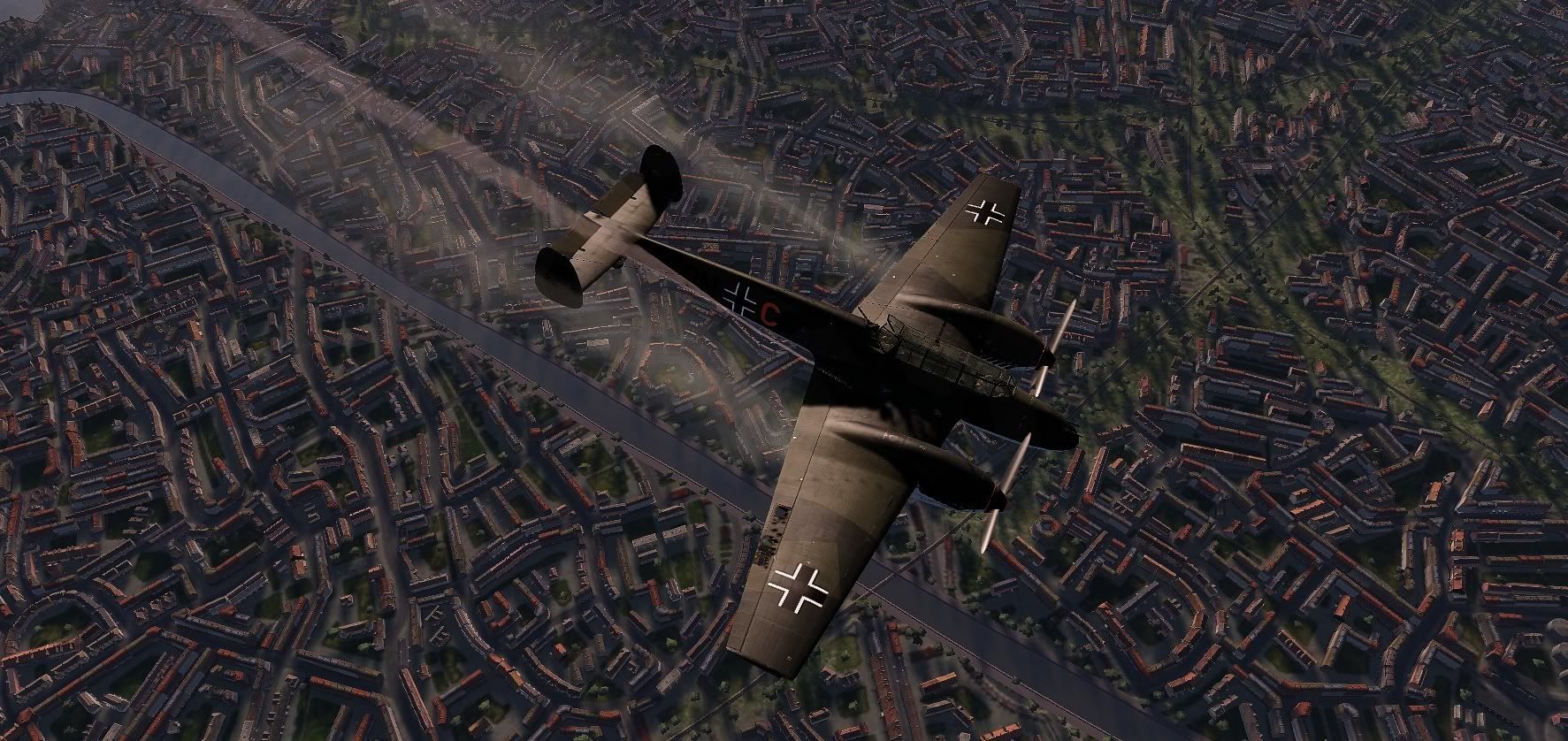


Oh I wish I could get exhaust flames
__________________
http://i41.tinypic.com/2yjr679.png
Reply With Quote
Reply

Thread Tools
Display Modes

Posting Rules
You may not post new threads
You may not post replies
You may not post attachments
You may not edit your posts

BB code is On
Smilies are On
[IMG] code is On
HTML code is Off

Forum Jump


All times are GMT. The time now is 06:11 PM.


Powered by vBulletin® Version 3.8.4
Copyright ©2000 - 2026, Jelsoft Enterprises Ltd.
Copyright © 2007 Fulqrum Publishing. All rights reserved.