![]() |
|
|||||||
| Technical threads All discussions about technical issues |
![]() |
|
|
Thread Tools | Display Modes |
|
|
|
#1
|
||||
|
||||
|
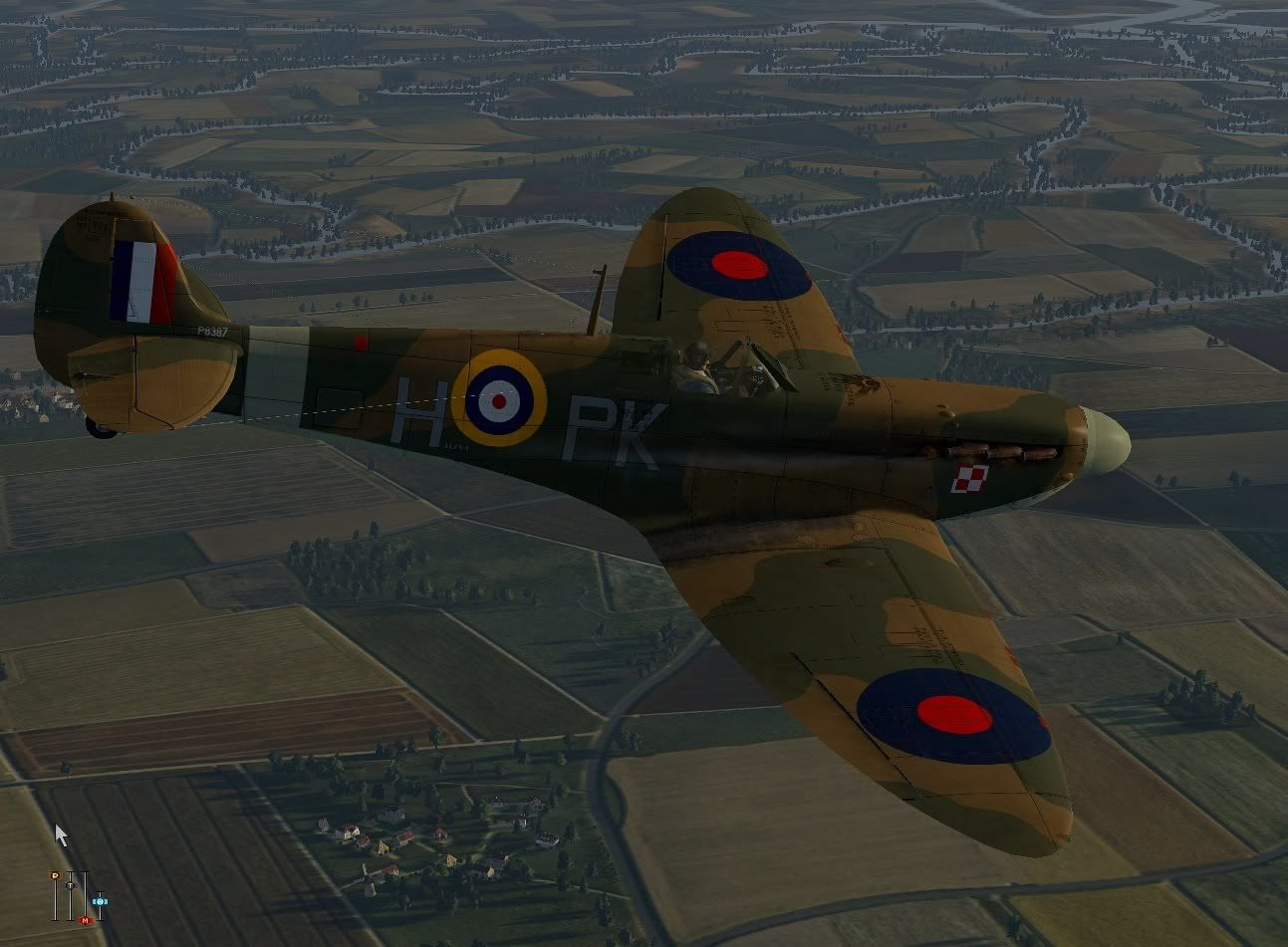
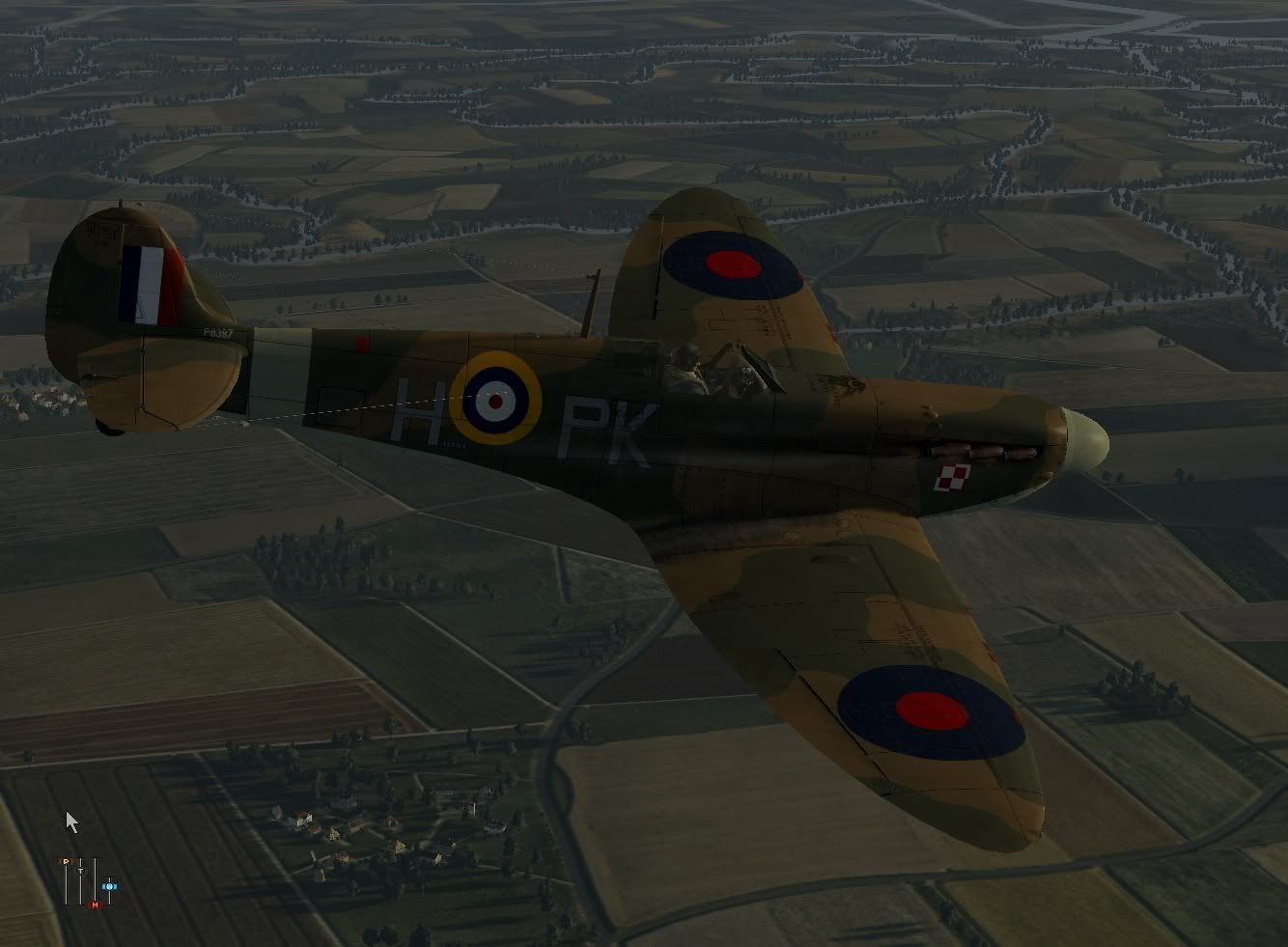
More to the point, how have you got rid of that pig awful forced weathering??
__________________
Regards Chris ![]() http://www.aircombatgroup.co.uk/index.php Gigabyte z77-d3h, Intel Core i5-3570K 3.40GHz (OC 4.2GHz), Corsair Vengeance Low Profile 24GB DDR3 PC3-12800C9 1600MHz Dual Channel Kit , Samsung 120GB SSD 840 SATA 6Gb/s Basic, Seagate Barracuda 7200RPM 1TB SATA 6Gb/s 64MB, Cooling Silencer Mk II 750W '80 Plus Silver' PSU, GTX580 3gb OC |
|
#2
|
|||
|
|||
|
First of all, i thank you for your job Les !
I did a go several times with Sweefix and your settings. Each time, i tried to i got a CTD. I repassed all the posts above and noticed that for DX10 users they have to rename the DX9 features. Could you tell it in the future in your Readme please ? Solution is lost in a post, it would help newcomers to save time. Your Neutral5 tweaks do it for me well and it is a real pleasure to get very well looking clouds with their shadows playing on the ground ! nice ! thx again ! |
|
#3
|
|||
|
|||
|
Next target Les: to reduce the amount of shadows so that only the shadows in the cockpit and the shadows of the clouds are seen. I believe that would make the performance better and reduce the annoying flickering.
|
|
#4
|
|||
|
|||
|
Kristorf, I believe that's the result of a hack, see here - http://forum.1cpublishing.eu/showthr...860#post472860
Sorry Stirwenn, I forgot to mention that thing about the DirectX9 files. I'll include that information in my first post of this thread and include it in a Readme with the SweetFX download I've put together. Is the solution to just zip up the original 'd3d9.dll' file like I said in my previous post or are there other files that need dealing with too, and if so what exactly needs to be done? Yvetette, nothing I can do about that. But it would be good if the devs would give more detailed shadow options in the game's graphics settings. Last edited by Les; 11-04-2012 at 06:52 PM. |
|
#5
|
|||
|
|||
|
Les the video looks amazing
|
|
#6
|
|||
|
|||
|
Just the 2 d3d9.* to move to *.old...
|
|
#7
|
||||
|
||||
|
...and if I didn't do that?
I'm running Directx11 by the way.
__________________
klem 56 Squadron RAF "Firebirds" http://firebirds.2ndtaf.org.uk/ ASUS Sabertooth X58 /i7 950 @ 4GHz / 6Gb DDR3 1600 CAS8 / EVGA GTX570 GPU 1.28Gb superclocked / Crucial 128Gb SSD SATA III 6Gb/s, 355Mb-215Mb Read-Write / 850W PSU Windows 7 64 bit Home Premium / Samsung 22" 226BW @ 1680 x 1050 / TrackIR4 with TrackIR5 software / Saitek X52 Pro & Rudders |
|
#8
|
|||
|
|||
|
Thanks jojimbo, I must have done something right as it's already got one dislike on Youtube.
|
|
#9
|
||||
|
||||
|
Excellent stuff!
Just to add, it makes the game look so much better now.. and thanks for your different settings files Les! Last edited by Trooper117; 11-05-2012 at 10:32 AM. |
|
#10
|
|||
|
|||
|
Quote:
|
![]() |
| Thread Tools | |
| Display Modes | |
|
|