
|
|
|||||||
| IL-2 Sturmovik: Cliffs of Dover Latest instalment in the acclaimed IL-2 Sturmovik series from award-winning developer Maddox Games. |
 |
|
|
Thread Tools | Display Modes |
|
|
|
#1
 04-22-2011, 09:52 PM
|
|||
|
|||

Quote:

|
|
#4
04-22-2011, 10:01 PM
|
|||
|
|||
|
using lesser than native resolution is fine for me. friend of mine also has it in a window though. GTX280 here with latest official drivers. desktop composition (aero) off.
flying around ive not needed to look at FPS figures at all really. i have been able to set some higher settings too. even at 20-25 fps its very very smooth. i believe that was with the trees being off issue. when i jump down in rez to 1600 x 900 iam nearly doubling the frames over the sea with about a 25% increase over land. however it stutters more. nothing removed from cache here. I have noticed some graphical artifacts. like flashing tubes of thin polygons eminating from various parts of the aircraft. i had simlilar problems with ARMA2. Last edited by Ali Fish; 04-22-2011 at 10:08 PM.
|
|
#5
04-22-2011, 10:13 PM
|
||||
|
||||
|
Sounds like im not the only ones experiencing problems with this patch

__________________
 Quote:
Gigabyte X58A-UD5 | Intel i7 930 | Corsair H70 | ATI 5970 | 6GB Kingston DDR3 | Intel 160GB G2 | Win 7 Ultimate 64 Bit |
MONITOR: Acer S243HL. CASE: Thermaltake LEVEL 10. INPUTS: KG13 Warthog, Saitek Pedals, Track IR 4.
|
|
#6
04-22-2011, 10:18 PM
|
|||
|
|||
|
First of all thanks Luthier to you and your team for the speed in fixing things and updating the game. I also really appreciate your honest answers and dedication. You should rest a bit mate!
Well, after testing a bit the patch I noticed no decrease in performance, only that when switching between planes via Ctrl + F2 I still get the frozen screen for about 3 or 4 seconds. Also I noticed that there is a graphic glitch in the other plane indicators (I know, I should fly with them off LOL). Please check my screenshot below: 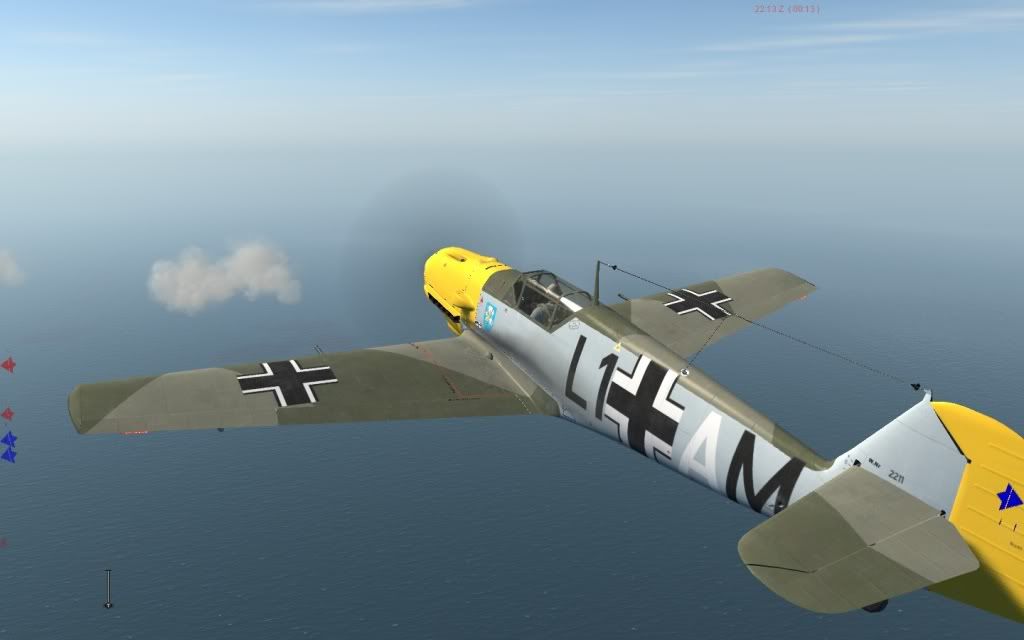 Does it happen to anybody else? EDIT: Could it be possible to add an option under controls to disable TrackIR in EXTERNAL cameras? Is tad annoying having to press F9 each time I use an external cam Last edited by anavas44; 04-22-2011 at 10:28 PM.
|
|
#9
04-22-2011, 11:06 PM
|
|||
|
|||
|
Quote:
__________________
Gigabyte Z68 Intel 2500K (@4.3 ghz)212 CM Cooler 8GB Ram EVGA 660SC (super clocked) 2GB Vram CORSAIR CMPSU-750TX 750W 64 GB SSD SATA II HD WIN7 UL 64BIT
|
|
#10
04-22-2011, 10:51 PM
|
|||
|
|||
|
Quick Mission 024 German - attack column
I've tried this new 024 quick mission several times now, and on every run the Italian bomber pairs 'stick' in mid flight when theyre over the land area, props still turning, but just stick at that altitude and not moving, they can get damaged by gun fire/flak/collisions but remain fixed in mid air. It also happened with a couple of Stukas too on one of the runs; everything else carries on as normal
 Anybody else had this?
__________________
__________________________________________________ ________________________________ W7 64Bit/Q9650 @ 3.7Ghz/8Gb Ram/Gigabyte SuperOverClocked GTX580/Creative X-Fi/Dell Ultrascan 24" @ 1920x1200
|
|
| Thread Tools | |
| Display Modes | |
|
|


 Hybrid Mode
