
|
|
#4
 02-25-2013, 05:31 PM
|
||||
|
||||

Not darker. Less saturated.
Go to the section where you do adjustments for light and colour etc., it will be called 'adjusments' or 'edit image' or something like that. Then go to 'adjust colour' (or it will be called something similar) - then to 'hue and saturation' and reduce the saturation (amount of colour). Also if you want to change the white it's easier to do it with the colour picker (the pipette symbol, which is used with the squares of colour bottom left of your tools), you get a better overview of what you're doing. http://pe-images.s3.amazonaws.com/ty...lor-picker.jpg Pick a colour and then fill a layer with it using the 'paint bucket' tool.
__________________
All CoD screenshots here: http://s58.photobucket.com/albums/g260/restranger/ __________ 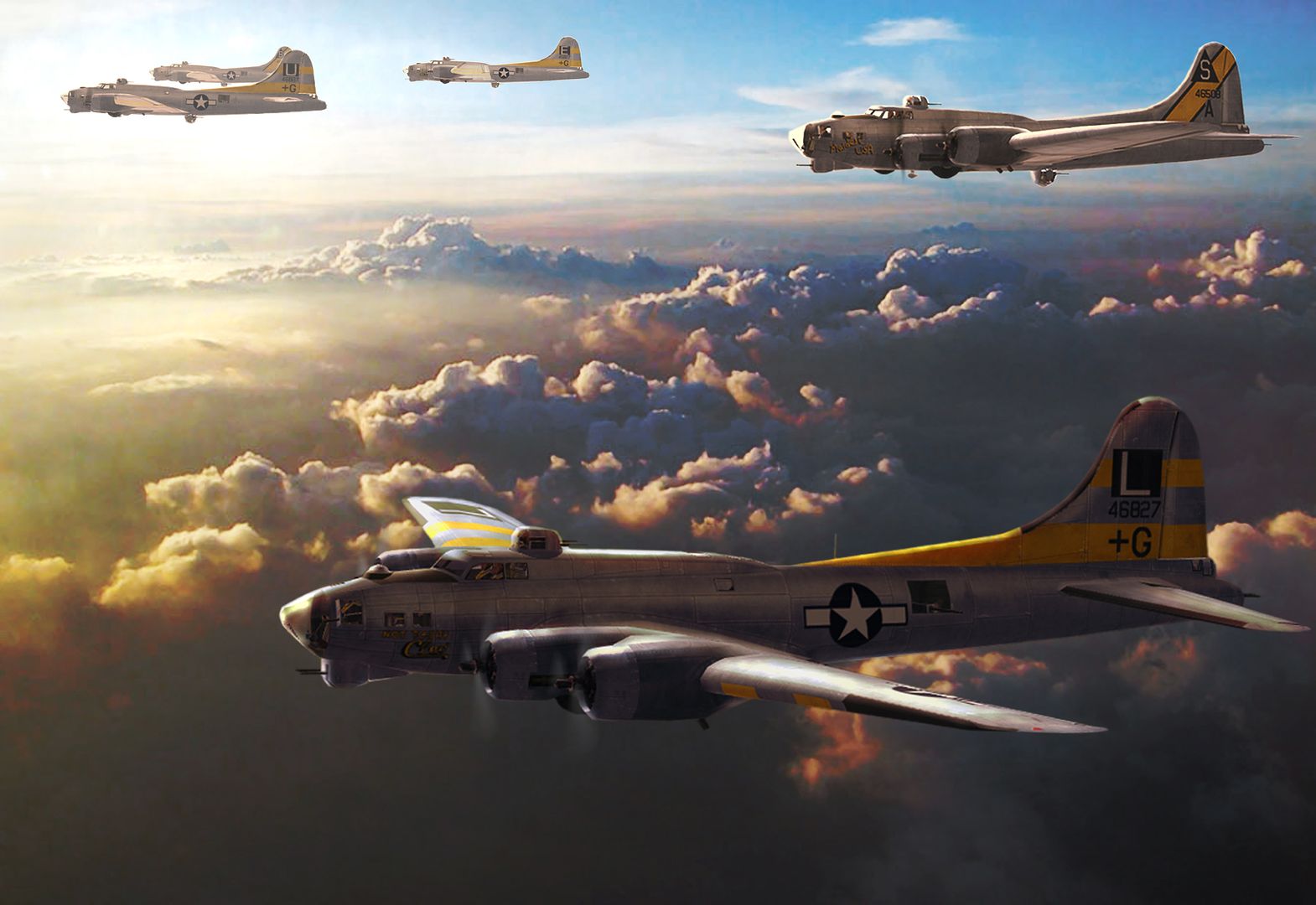 Flying online as Setback. 
|
| Thread Tools | |
| Display Modes | |
|
|




 Threaded Mode